Printing guide
Passport Photo Printing: Home Printer, CVS and Photo-Lab Options
By Passport Photo Template Editorial Team | Published and reviewed July 1, 2026 | 8 minute read
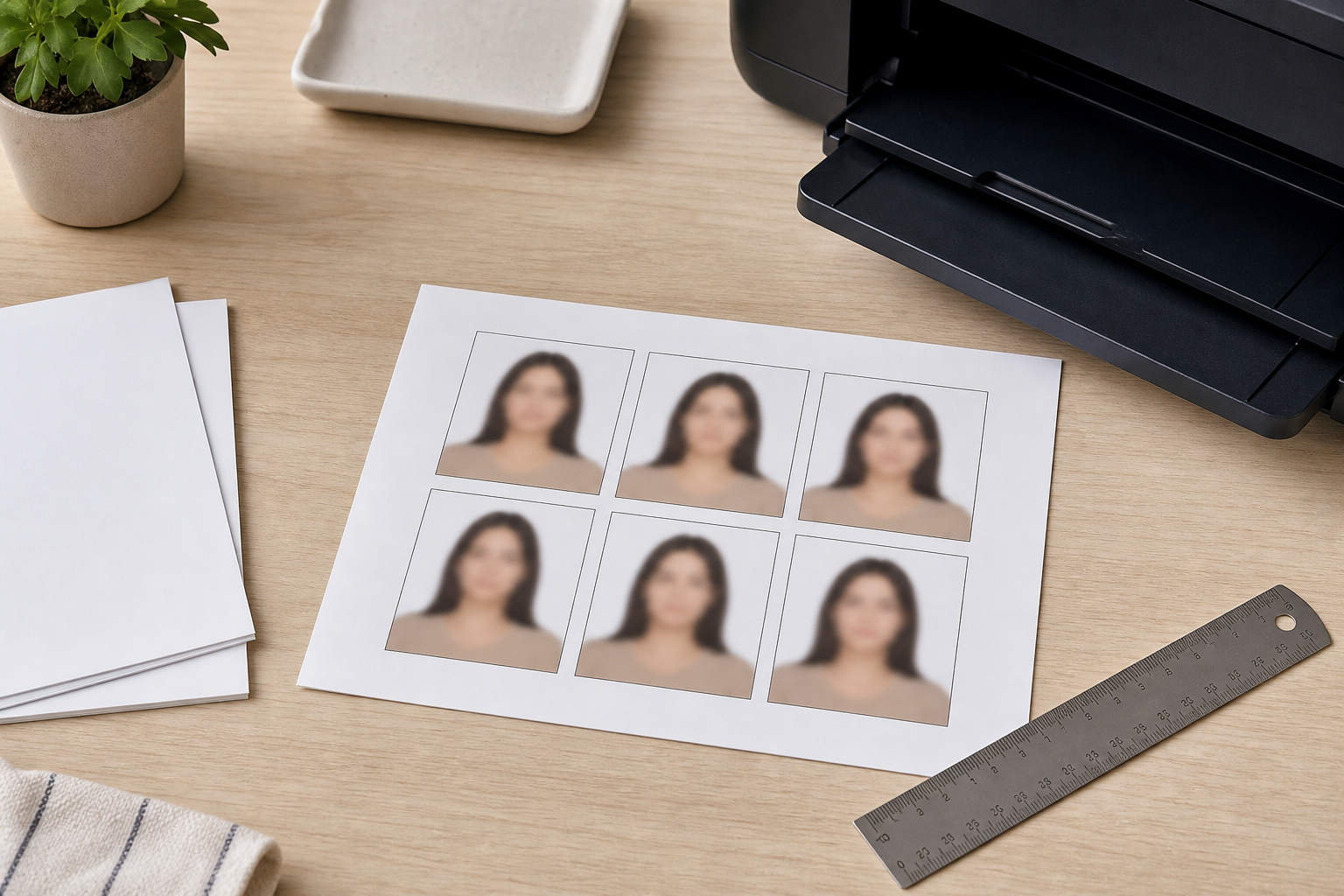
The words passport photo printing can mean two different jobs: producing a correctly sized paper photo, or producing a 4x6 sheet that still needs to be cut. Treat them separately and verify the finished rectangle with a ruler.
Home printing
If you search for CVS passport photos or a quick passport print, ask whether the shop will preserve the exact file scale. A retail print is only useful when the final paper dimensions match the application.
If you search for CVS passport photos or a quick passport print, ask whether the shop will preserve the exact file scale. A retail print is only useful when the final paper dimensions match the application.
For U.S. applications, the Department of State says applicants may print their own photo on matte or glossy photo-quality paper. Export a 4x6 sheet at 1200x1800 pixels for a 300 PPI workflow, choose the matching paper size and select Actual Size or 100% scale. Turn off Fit to Page, Borderless Expansion and automatic cropping.
Using a CVS or similar lab
A retail lab can be useful when you need consistent photo paper and colour. Upload a finished 4x6 layout, not a single square photo, unless the lab's service explicitly preserves the requested dimensions. Tell the operator not to crop or resize the file. Inspect one print before ordering more.
When a professional studio is required
Canada's paper passport rules require photos taken by a commercial photographer and printed professionally; home prints are not accepted for that route. Some applications also require a photographer stamp, signature or digital photo code. If the official page says “professional,” a cheap print alone is not a substitute.
Three measurements to check
- Measure the paper: a 4x6 sheet should be 4 by 6 inches.
- Measure the photo rectangle after cutting: for a U.S. passport photo it should be 2 by 2 inches.
- Measure the head using the authority's definition; outer size alone is not enough.
Print my own passport photo: a safe handoff
If your task is simply “print my passport photo,” use the finished layout file and confirm the paper size before sending it to a lab.
Use the print-layout tool to create a sheet, download it, open it in a viewer that shows pixel dimensions and print it without scaling. Cut with a ruler and a clean trimmer. Keep one uncut sheet and the original file until the application is accepted.
Sources reviewed: U.S. Department of State and Canada.ca. Review date: July 1, 2026.