DIY capture guide
Take Your Own Passport Photo at Home: A Careful DIY Workflow
By Passport Photo Template Editorial Team | Published and reviewed June 28, 2026 | 8 minute read
Start with the authority's rule
A tool can crop and arrange a photo, but it cannot decide whether a particular passport office will accept it. Check the official instructions for your application before taking the picture.
Can you take your own photo?
This is a DIY passport photo workflow: the camera work happens at home, while the official requirements still control the result.
Sometimes. The U.S. Department of State explicitly describes taking a photo yourself or asking a friend to help, then printing it on photo-quality paper. Other authorities are stricter: Canada requires many paper applications to use a commercial photographer, and GOV.UK says shop or booth photos are more likely to pass its digital checks. The phrase take your own photo for passport therefore has a country-specific answer.
Set up the room
- Use a plain light-coloured wall or a smooth sheet with no texture.
- Face a window or use two soft lights placed on either side of the camera. Avoid a bright lamp directly above your head.
- Move at least 50 cm away from the background to reduce shadows.
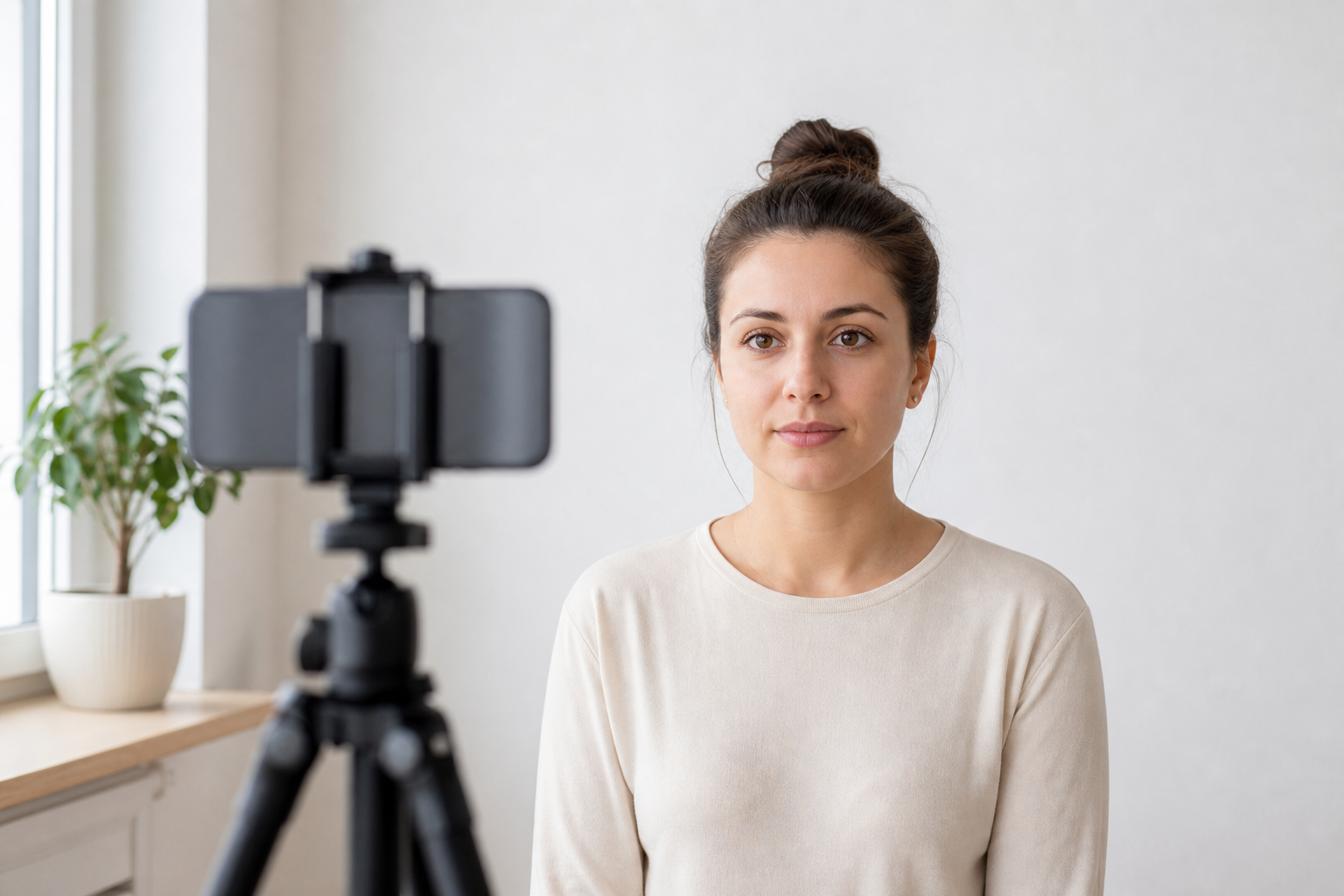
- Ask another person to hold the phone or use a tripod. A front-facing selfie camera can stretch the nose and chin.
Pose for a passport portrait
Sit or stand square to the camera with your shoulders level. Keep both eyes open, look straight ahead and use a natural, closed-mouth expression unless the official instructions provide a child exception. Keep your head upright instead of tilting it to create a more flattering portrait passport image.
Capture the original before editing
Use the highest practical resolution and keep the original file. Do not apply beauty filters, face reshaping, background replacement or AI retouching. The U.S. and Canadian guidance both warn that altered photos can be refused. Technical cropping is different from changing your likeness.
When a DIY photo is a poor choice
- The application requires a professional photographer or a photo code.
- You cannot create an even background without shadows.
- The image is blurry, backlit, heavily compressed or captured from a screenshot.
- You need a child photo and cannot keep the child safely positioned.
After capture, open the browser-based passport photo tool to choose the correct country preset, then read the source link shown beside it.
Sources and review note
Sources reviewed: U.S. Department of State photo guidance, Canada.ca passport photos and GOV.UK digital photo rules. Review date: June 28, 2026.